THE GAME SHELF
Tower Defense Brainrot Games
Place defenses and plan how to stop the next wave.
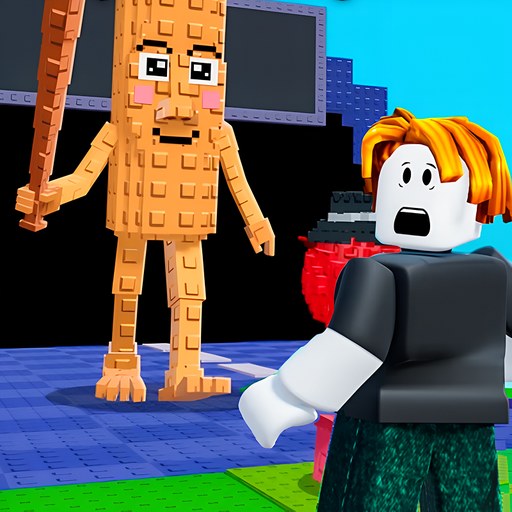
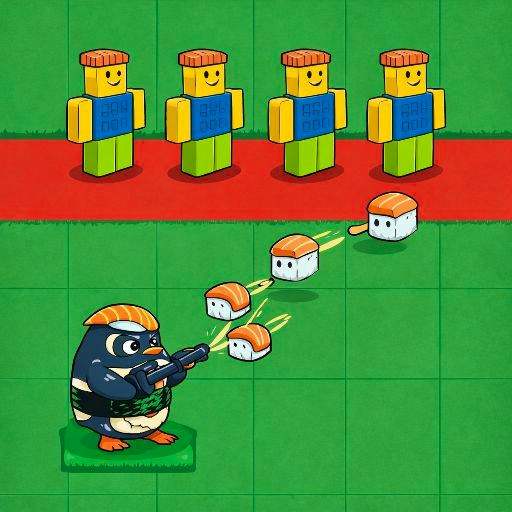
Showing 1–2 of 2 games
Start with the route and the defense controls
Brainrot Tower Defense is this collection's current defense-placement entry. The recorded tutorial selected Sigma and placed it on the highlighted square, changing money from 150 to 100. Its speed-control unlock was labelled as an ad choice and was not used. This supports a placement example, not a complete defense-build ranking. For a different action in a related arena setting, Mob Clash 3D uses drag steering; it is a runner, not another tower-defense game.
This collection provides a direct route to the site's tower-defense selection. A small category does not imply a large series of interchangeable games. Open the individual game page for its actual control mapping, check date and observed opening. The broad idea of placing defenses is useful context, but it does not establish a particular game's placement rules, upgrade economy or wave sequence.
Before spending a resource or beginning a wave, inspect the current scene for instructions, an enemy route and the controls used to choose or place a defense. If the game supplies a tutorial, use that explanation as the starting point. Do not assume that an object can be placed anywhere simply because it follows the pointer, or that a familiar-looking unit behaves like one from another game.
Make one placement decision observable
The October 6 Tower Defense check placed a $50 Sigma, observed actual attacks and advanced to Wave 3 with the base counter reduced from 20 to 17. Its first upgrade preview cost $40 and raised damage and range without changing the displayed 0.8s cooldown. That gives a concrete offered-choice comparison with another $50 Sigma, not a controlled proof of which purchase wins.
A useful learning attempt gives you a clear comparison. Note the visible state before choosing a defense, make one decision, then watch what changes. That might be a resource counter, a placed object or the response during an encounter. The purpose is to understand the current rule, not to claim an optimal opening. A basic-operation check does not establish every defense combination or later wave.
If an attempt ends, identify where the plan stopped working before spending differently on the next run. Changing every placement and upgrade together produces a new arrangement without showing which decision mattered. Where the game's rules permit a controlled comparison, change one part and observe the result. Read new instructions when a later stage introduces a feature that was absent from the opening.
Check persistence and device limits
Saving and unlocked progress depend on the embedded game and provider. The website's Recently played list only remembers a page you opened; it cannot restore a defense layout or a completed wave. Before clearing browser data or changing devices, check the current game's own save behavior.
Placement with a desktop pointer does not prove that the same interaction works on a physical phone. Read the device note and make sure the whole board is visible. For a player that never reaches its menu, follow the loading guide. For a different planning activity, compare Puzzle & Merge, or use our selection guide to find another kind of session.