THE GAME SHELF
Rhythm & Action Brainrot Games
Time your moves and keep up with the next challenge.
Eggy Car
Rhythm & Action
Moto X3M
Rhythm & Action
Basketball Stars
Rhythm & Action
Solar Smash
Rhythm & Action
Golf Orbit
Rhythm & Action
Counter Craft Modern Warfare
Rhythm & ActionDesktop only
Sprunki Tung Sahur
Rhythm & Action
Tung Tung Tung Sahur 2
Rhythm & Action
Italian Brainrot Extreme Highway
Rhythm & Action
Music Beats - Brainrot Meme
Rhythm & Action
Brainrot Tung Tung Racing
Rhythm & Action
Tung Tung Sahur Andreas Shooter
Rhythm & Action
Tung Tung Sahur Cash Frenzy
Rhythm & Action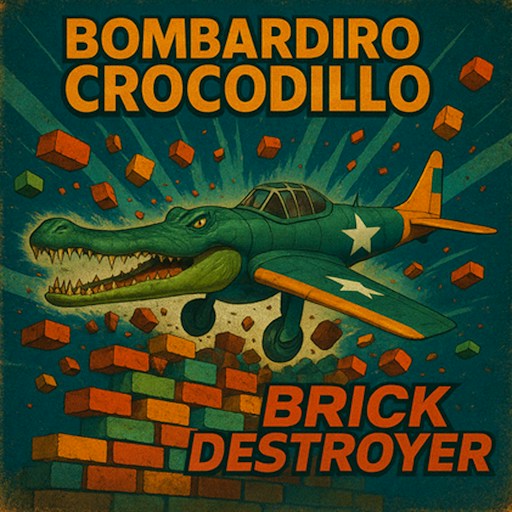
Bombardiro Crocodillo Brick Destroyer
Rhythm & Action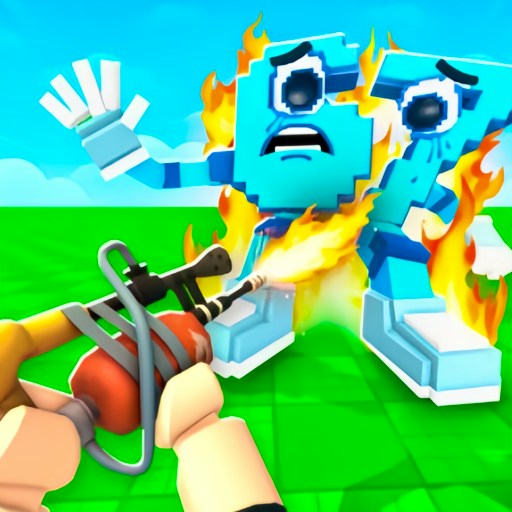
Shot a Brainrot!
Rhythm & Action
Tung Tung Sahur LOL Face
Rhythm & Action
Tung Tung Sahur Snow Arena
Rhythm & Action
Shark Tralalero Tralala
Rhythm & Action
Brainrot Helix Twistcore
Rhythm & Action
Tung Tung Sahur Road Crossing
Rhythm & Action
Brainrot Cleaning
Rhythm & Action
Ninja Brainrot Slice
Rhythm & Action
Italian Brainrot Tung Tung Kart Online
Rhythm & ActionDesktop only
Brainrot Bridge Race 3D
Rhythm & ActionShowing 1–24 of 33 games
Action covers several different control problems
| Game | Recorded response | Decision to practice |
|---|---|---|
| Brick Destroyer | Space launched the plane; steering led to a scored result. | Separate launch from the turn toward a target. |
| Brainrot Tung Tung Racing | Holding Up changed speed from 0 to 46 km/h. | Acceleration and steering, not music timing. |
| Music Beats - Brainrot Meme | Dragging a free character onto a silhouette created a performer. | Character placement; audio was not independently checked. |
This is a broad collection: timed inputs, driving, aiming, slicing and other quick-response activities can all appear here. A rhythm game asks you to relate an input to a timing cue. A driving game asks you to judge movement through a course. A shooting game adds aiming and firing. The character theme does not make these interchangeable, so read the page's first-action and control notes before pressing Play.
For example, Bombardiro Crocodillo Brick Destroyer offers a launch-and-steer opening, while Shot a Brainrot uses a first-person view. Their recorded checks establish different things. Launching into a scored result supports the former's basic loop. A movement response and an ammunition decrease support particular inputs in the latter, without proving a successful hit or completed wave. Comparing these observations is more useful than treating both as generically fast games.
Learn the timing cue before increasing speed
Auto Fight provides an observed mode comparison: repeated right-arrow clicks moved the left fighter manually; selecting A hid the other controls and the fight later ended in Bombardino Crocodillo WIN without further attack input. Tung Tung Kart instead needed held driving keys after a course flyover. A moving introduction and an actual control response are different evidence.
When a game asks for quick input, begin by identifying the cue you are responding to. It may be an approaching obstacle, a visible target or an instruction in the scene. Try one deliberate action and observe the result. Repeated clicking without a cue can make it difficult to distinguish an incorrect timing decision from a control that did not register.
For a repeated attempt, preserve the opening that already works and change one action close to the failure. This lets you compare results. The page's practice advice is not a promise of a perfect sequence, and a desktop opening does not establish every later level, weapon, track or unlock. Read new instructions when a game introduces a different system.
Use narrower collections when the theme matters
If you specifically want aiming games, use Shooting. If you want jumps and obstacle routes, compare Parkour & Obby. These narrower choices can save time in a broad action catalog. They also help you avoid themes you do not want; a familiar meme character is not a content rating.
Check the device note and give the game focus before diagnosing a failed input. For a stalled menu or player, follow the loading guide. For help choosing an activity rather than troubleshooting it, read Choose a Brainrot Game.