About Brainrot Auto Fight
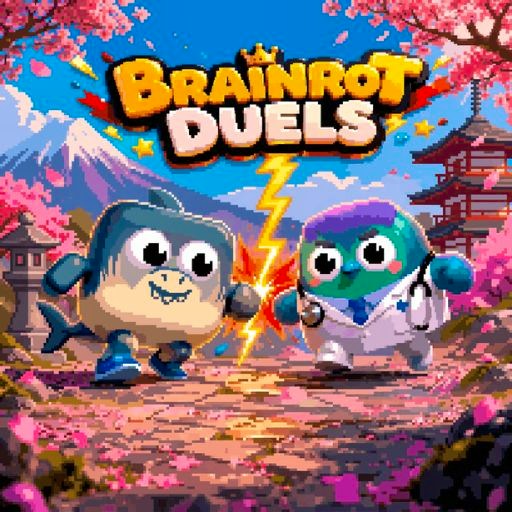
Brainrot Auto Fight begins with a choice of opponents rather than an immediate attack. Two characters occupy opposite sides of a selection screen, and separate arrows let you change the fighters and the arena. The first useful goal is simple: arrange a matchup you can recognize, then open the battle. This makes the selection screen part of the experience instead of a menu to rush past.
This build offers both manual controls and a selectable A mode. In the October 6 check, repeated clicks on the right arrow moved Tung Tung Sahur toward the opponent. After clicking A, the other action controls disappeared and both health bars changed without further attack input. This is an observed mode switch, not an assumption based on the title or a claim that all selections automatically start combat.
The Meme Behind Brainrot Auto Fight
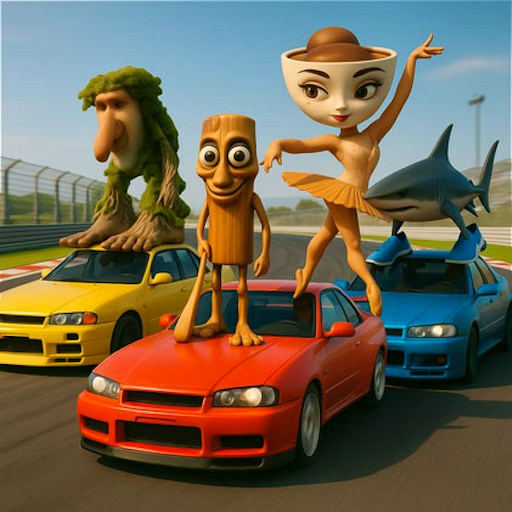
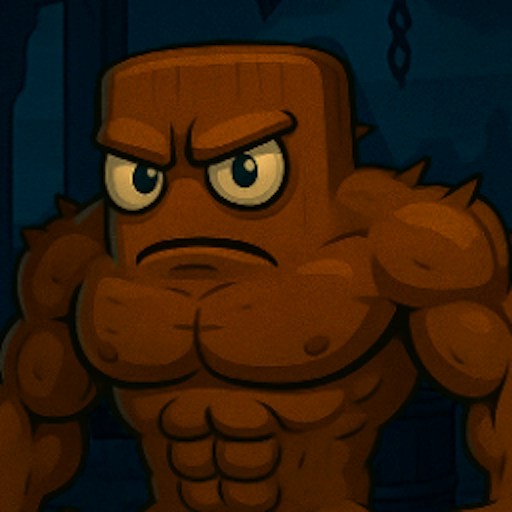
The wooden Tung Tung Sahur was one of the characters selected during our desktop check. Putting a recognizable character opposite another unusual fighter is the main visual joke. You do not need to know the characters' backstories to understand the setup: there are two sides, a backdrop, and a button that moves the selected pair into combat.
A character's appearance is not a reliable description of its abilities. A larger silhouette does not prove more health, and a familiar character does not establish an advantage. Pick a pair you can tell apart easily, especially while learning the controls. That is a readability recommendation, not a claim that one fighter is stronger.
How to Play Brainrot Auto Fight
Start the platform player and wait for the two-fighter selection screen. The arrows next to the arena preview change the backdrop; arrows at the sides change the individual fighters. In the checked setup, the arena changed to the forest and the left fighter changed from the goose to Tung Tung Sahur, leaving Bombardino Crocodillo at the right.
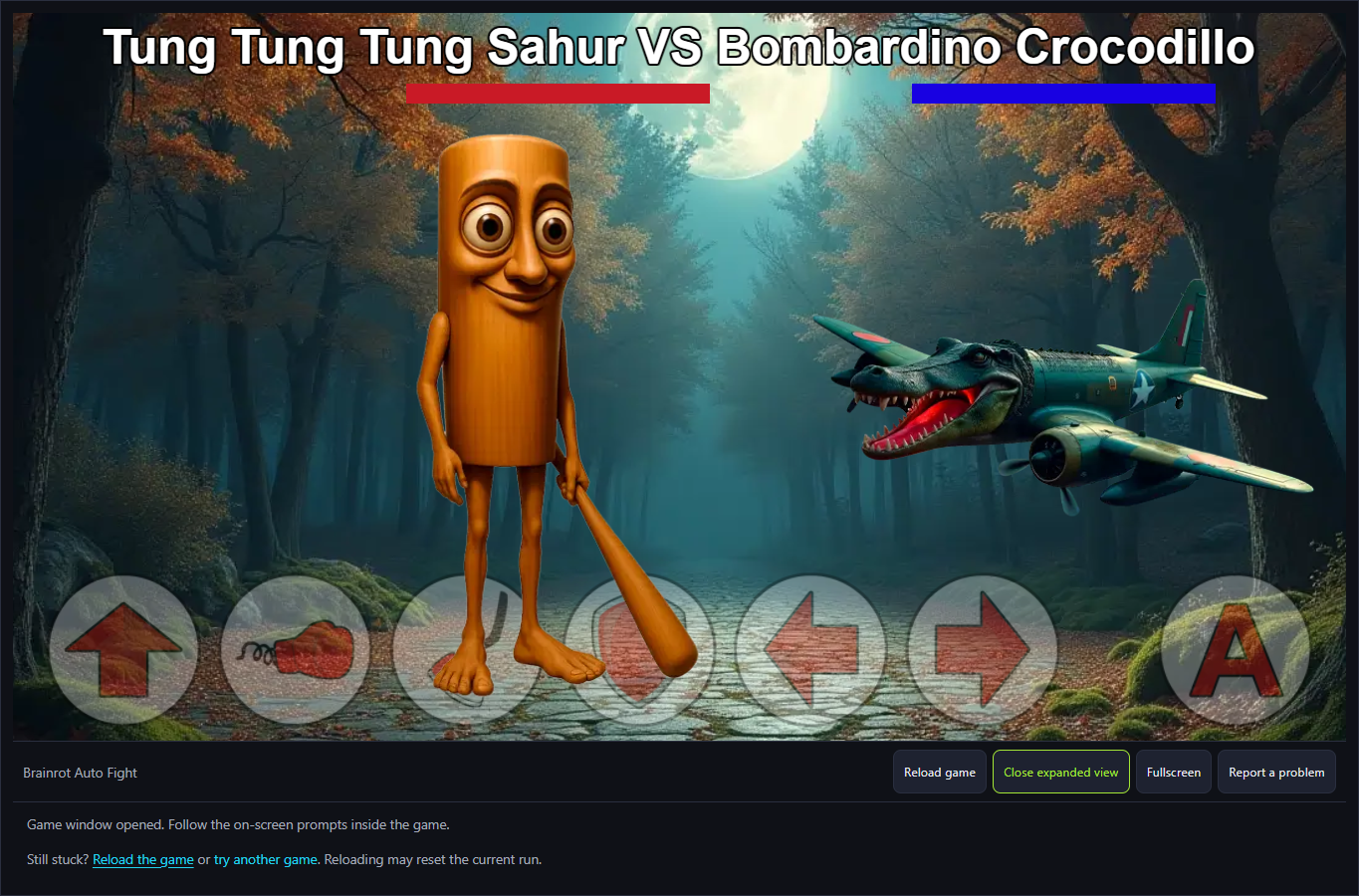
Select the crossed swords to enter combat. The fight displays the selected names, red and blue health bars, movement/action icons and an A button. Give the entrance animation time to finish. The fighters initially appear at opposite edges before the full scene settles.
For manual movement, click the right arrow in the bottom row and watch the left fighter. Five deliberate clicks moved Tung farther right in the checked session. Holding the icon alone did not produce the same sustained movement. A punch-icon attempt at a distance did not establish damage; do not infer a registered hit from merely pressing an attack icon.
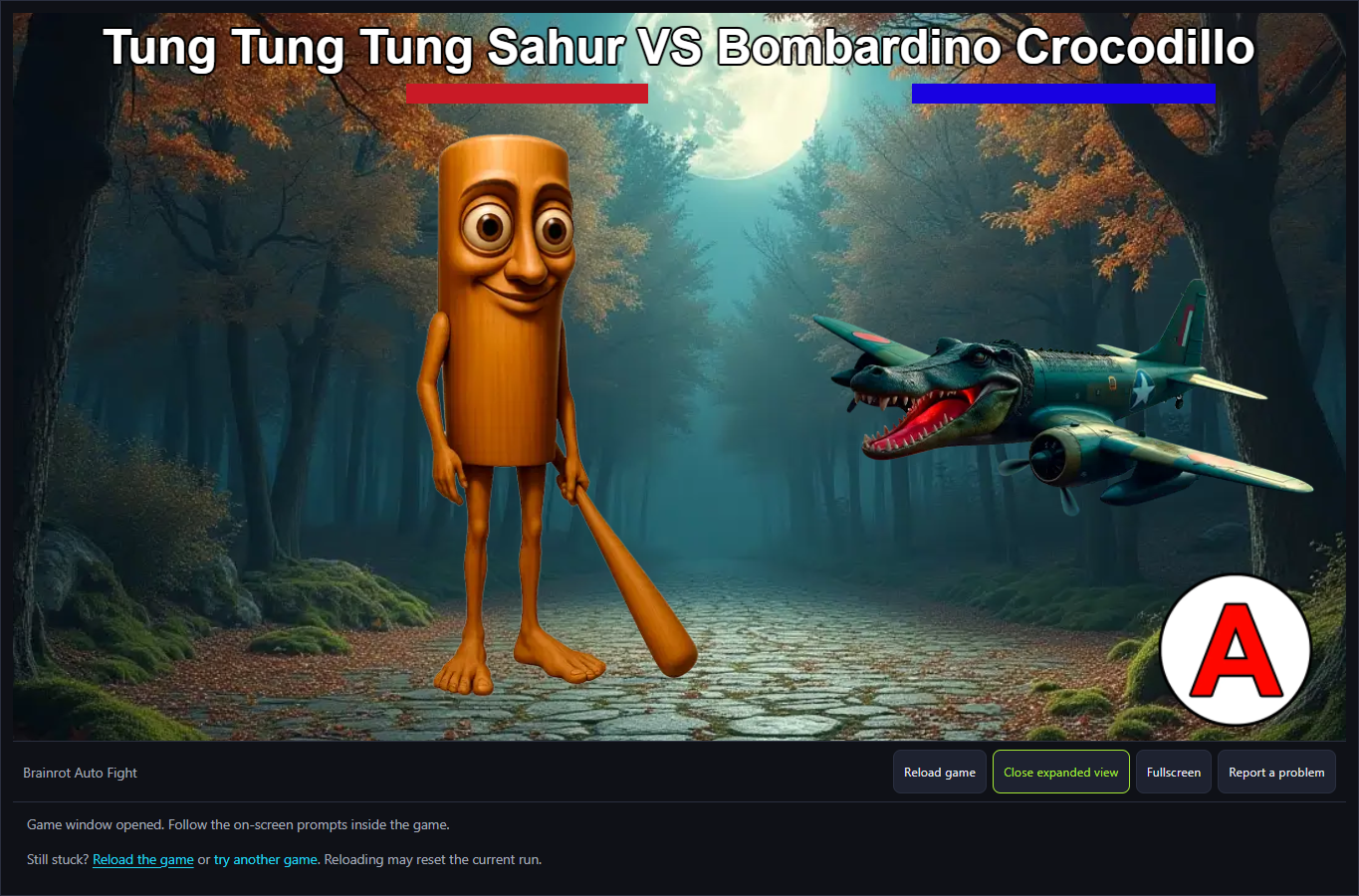
To try the offered automatic mode, click A. In this build the remaining action buttons disappeared while A stayed visible; the health bars then changed without additional movement or attack inputs. Read the actual final screen to determine the winner. The visible fighter, health and mode changes are stronger evidence than the game's name.
Changing a character or arena is not a balance test. The checked session used one matchup, not a comparison of damage values, defensive timing or strongest fighters. No selected matchup or ongoing match was tested for persistence across a website reload.
Controls
- Mouse: click selection arrows and crossed swords.
- Arena arrows: change the background; side arrows: change the fighters.
- Right arrow in combat: repeated deliberate clicks moved the left fighter right in the check.
- A: the tested mode hid the manual controls and allowed health changes without further attack inputs.
- Punch, kick, jump and shield icons are visible; their separate damage/defense effects were not isolated.
- Physical-phone input and independent audio were not tested.
Tips & Tricks
- Choose visually different fighters while learning which side your input affects.
- Wait for the combat entrance animation before comparing positions or health bars.
- Try discrete clicks on the movement arrow; holding it did not reproduce continuous movement in our check.
- A mode changes the visible control row. Confirm that change before treating a pause as automatic play.
- A health-bar change during automatic play does not measure the damage of a manual punch or kick.
Selection and movement are separate inputs
The checked forest matchup placed Tung Tung Sahur on the left and Bombardino Crocodillo on the right. Repeated right-arrow clicks moved the left fighter across the scene. A distant punch attempt did not establish damage, so movement success cannot stand in for a proven attack combo.
A changes the mode, not just the artwork
After selecting A, the manual action buttons disappeared and both health bars changed while no further attack input was made. This documents a concrete automatic-mode response. It does not establish fighter rankings, fixed damage per hit or a strategy for every matchup.
Why Play Brainrot Auto Fight Here
Choose this entry when the appeal is arranging a strange character face-off and exploring its combat interface. The selection choices give you a clear first activity even before the battle. If you specifically want a proven hands-off battle loop or a detailed competitive strategy guide, the current evidence does not establish either. Read that limitation before committing to a longer session.
For a different type of character interaction, browse the Tung Tung Sahur collection. For a slower matching activity, read the current check note on Merge Fellas Italian Brainrot. Merge a matching pair and watch the score to follow its puzzle loop.