About Merge Brainrot
Merge Brainrot is a drop-and-match puzzle distributed under GamePix's marge-brainrot namespace. A current piece sits above a narrow container, with a Next preview at the upper right. You choose the drop column and let the piece settle. Matching pieces can combine, changing both the pile and the displayed score.
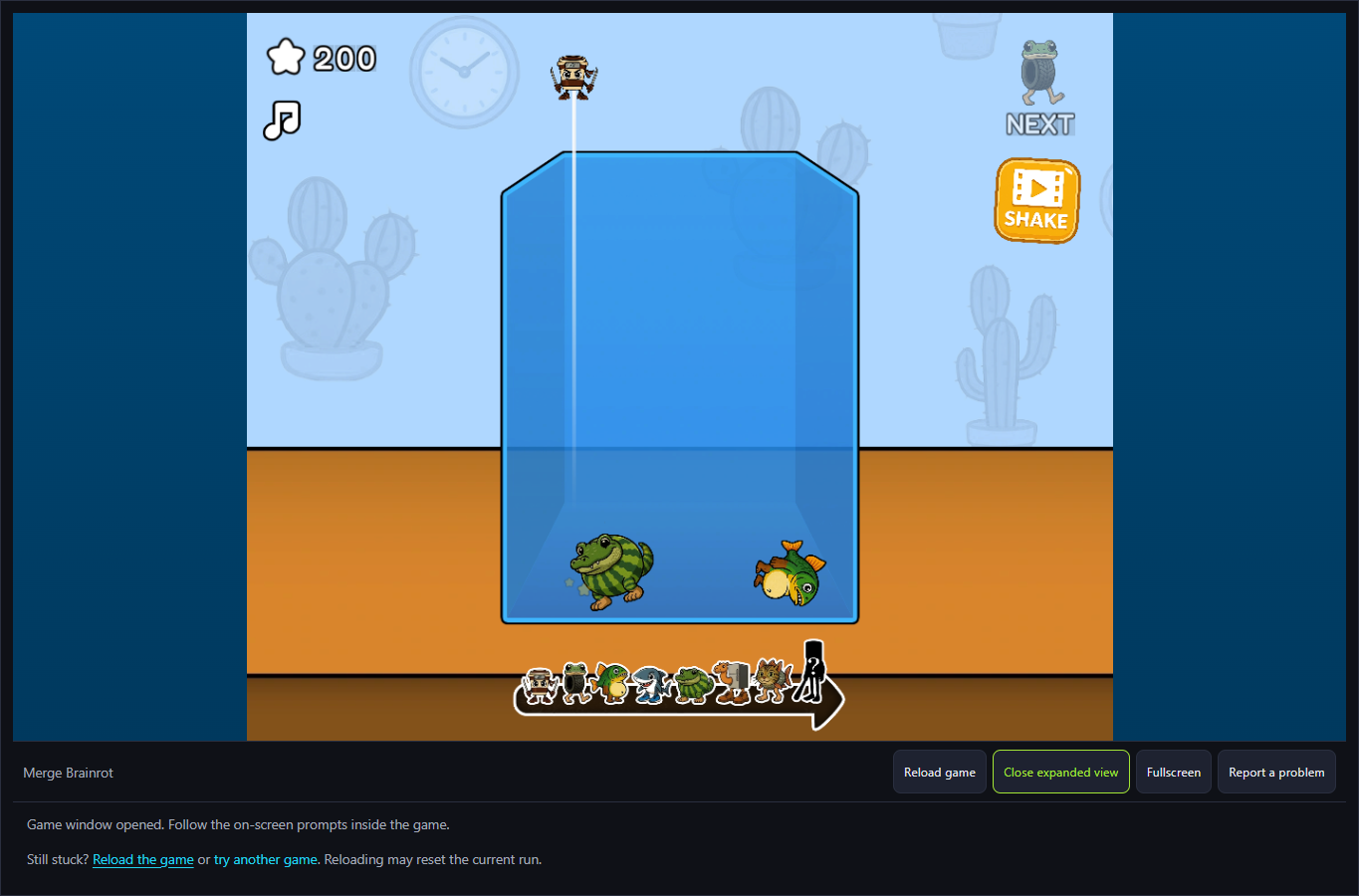
The October 6 check produced a concrete example: a shark dropped on the left, a fish on the right, then another shark on the left. The touching sharks became a watermelon-bodied crocodile and the score changed from 0 to 200. The fish remained separate. This establishes one merge, not every character tier or a scoring formula. The visible version label was v1.1.
The Meme Behind Merge Brainrot
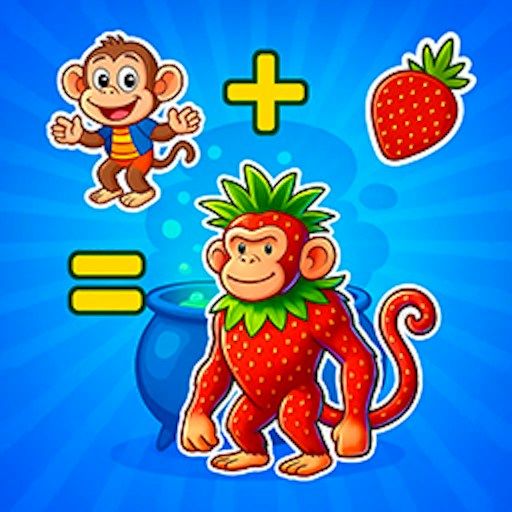
The character art is also the matching cue. In the checked opening, the two sharks needed to touch; merely having different characters in the same container did not combine them. Recognizing the current piece and Next preview matters more than recognizing a meme's name.
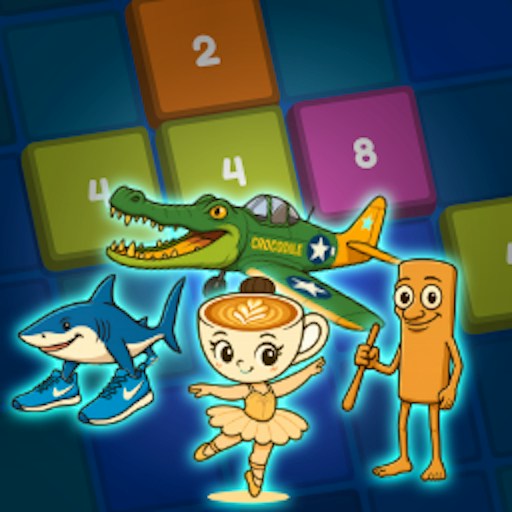
A roster strip below the bin depicts a progression ending in a question-mark silhouette. It previews the offered chain but does not prove that we reached its final character. This guide documents the observed shark pair rather than filling in an invented complete evolution chart.
How to Play Merge Brainrot
Start the platform player, then select the game's orange Play button. Click within the bin at the horizontal position where you want to drop the current piece. Wait for the fall to finish before choosing the next column. The tested held mouse click dropped a shark to the bottom, while the Next preview advanced to a fish.
For the checked merge, place the fish on the opposite side, then drop the next shark beside the first shark. When they touch, watch both the art and the score: the pair became a crocodile with a watermelon body and the score read 200. A misplaced different piece can separate a matching pair, while a larger merged piece occupies more of the limited bin. The website's Reload game control restarts the embedded player; it is not the video-labelled Shake action.
Controls
- Mouse: click inside the bin to drop a piece.
- Keyboard shortcuts and touch input have not been verified for this version.
Tips & Tricks
- Use the actual current piece, not Next, to choose the present drop column.
- Let the first piece settle. Its resting position is the target for a matching drop.
- In the checked opening, separating the fish from the sharks left room for the shark pair to touch.
- Watch the pile after a merge: a larger replacement changes the free space and can obstruct later matches.
- Shake is video-labelled and was not used. Do not plan a rescue around an unverified reward.
A pair that actually merged
Before the matching drop, the bin held a shark on the left and a fish on the right, with score 0. After dropping the second shark at the left, the sharks were replaced by one watermelon-bodied crocodile and score 200. The fish did not merge. Keeping unlike pieces apart is an editorial placement suggestion based on this example, not a guaranteed optimal strategy.
Why Play Merge Brainrot Here
Choose this game when you prefer deliberate pointer placement to continuous steering. The opening merge has a reproducible before-and-after result and no keyboard movement was needed. A match changes the physical arrangement as well as the score, so the useful question after each drop is whether the next matching pair can still reach one another. Full progression, combo bonuses and persistence between sessions remain unverified.