About Brainrot Hunt
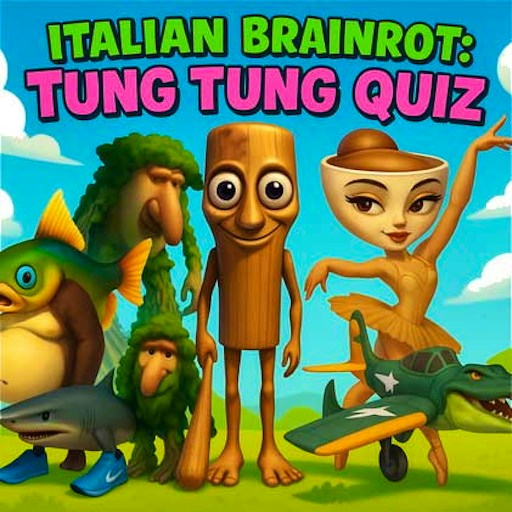
Brainrot Hunt gives you one character to find and a crowd of moving possibilities. The target appears beside the Find prompt, while the play area fills with recognizable meme creatures. Your job is to pick the matching one before the countdown ends. It is a visual search challenge: you need to recognize the character and then place the click accurately while it is moving.
The observed first round displayed Time 30, Score 0 and three lives. After restarting an idle timeout, one correct target advanced Level 1 to Level 2 and raised the score to 10, with Time 32 and all lives retained. This is a measured opening response, not a complete scoring/timer formula or evidence of a wrong-click penalty.
The Meme Behind Brainrot Hunt
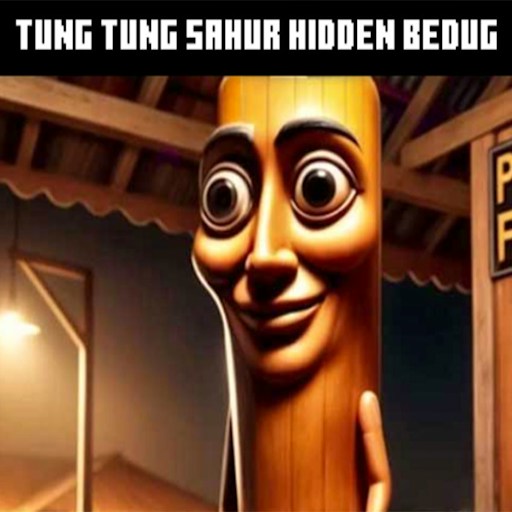
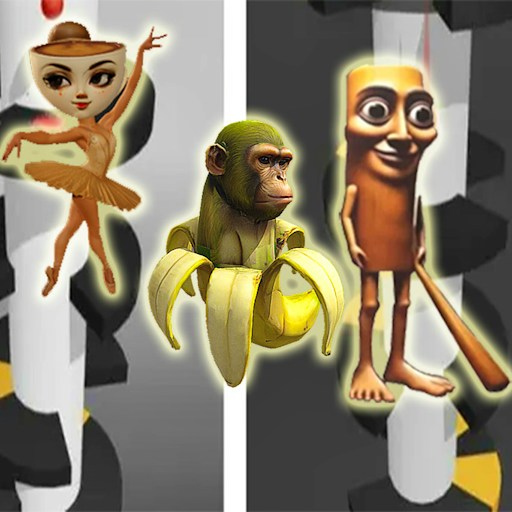
Brainrot characters tend to combine an animal, object, or human shape with something unexpected. In a crowded scene, that can be helpful. A shark silhouette, a wooden body, or an unusual accessory gives your eyes a feature to look for before you inspect the smaller details. The game turns familiarity with the characters into a practical advantage.
You can still play without memorizing their names. The target is presented visually, so this is about matching an image rather than answering a lore question. If several figures seem alike, compare the full outline and distinctive parts. A shared color alone is often a weaker clue than the shape of the head or the object attached to the body.
How to Play Brainrot Hunt
Click Play and find the target display before chasing movement in the main area. Spend a brief moment looking at its outline. Pick one or two features you can recognize quickly, such as the overall body shape and a prominent accessory. This gives your search a purpose instead of asking your eyes to process every character equally.
Scan the play area in a repeatable direction. Moving left to right or dividing the area into smaller regions can make a busy crowd easier to inspect. The characters will not stay perfectly still while you do this, so use the scan as a starting method rather than a rigid rule that prevents you from following a likely match.
Match the moving figure to the current Find image, then click the figure itself. In the October 6 check, clicking the matching character changed Score 0 to 10 and Level 1 to 2. The test used the rendered target and moving image elements to place an ordinary mouse click; it did not write scores or invoke game callbacks. Because the target moves, an old screenshot coordinate can be stale by the time you click.
Watch the life indicators and timer between searches. The clock tells you how much room you have to inspect a doubtful match; the lives tell you why random clicking is costly. If a choice goes wrong, return to the target image and identify which feature you confused before making another selection.
Read the next target whenever the round changes. Do not continue looking for the previous character simply because you recognize it in the crowd. The official game description says later levels add characters and increase movement speed, making that reset of attention more valuable as the scene becomes harder to read.
Controls
- Mouse: Point at and click the matching character.
- Play: Start a new attempt from the menu.
- Find display: Shows the character you are looking for.
- Timer and life indicators: Show the limits of the current attempt.
- GamePix marks this version for desktop play.
Tips & Tricks
- Look for a distinctive silhouette first, then confirm the smaller details. This reduces the amount of information you need to compare at once.
- Move the pointer toward a likely match while checking it. Keeping recognition and hand movement coordinated can reduce a late, inaccurate click.
- Avoid following every moving figure. Commit attention to the features of the current target, and let unrelated movement stay in the background.
- After a wrong choice, inspect the target again. Repeating the same mistaken visual shortcut can waste another life immediately.
- Choose a comfortable window size. Characters should be large enough to distinguish without forcing your pointer to travel an unnecessarily long distance.
- Use the countdown as a pacing signal. A rushed guess with plenty of time left may be less useful than one more careful comparison.
Why Play Brainrot Hunt Here
Brainrot Hunt works well for a short session because its central task is easy to understand and difficult to do consistently at speed. There is no route to memorize or inventory to manage. The interest comes from the moment when a cluttered scene resolves into one clear match. If you like hidden-object games but want the search itself to move, this gives that familiar activity a more active rhythm.