About BrainrotIO
BrainrotIO opens on a bright jungle-style menu with a long creature, a Play button, a skin option and a speaker control. Pressing Play reveals several modes, including a two-minute Quick Play option and longer or differently framed choices. The checked session selected Quick Play. The next screen had a timer, score, leaderboard, collectible dots and a growing creature moving through an arena.
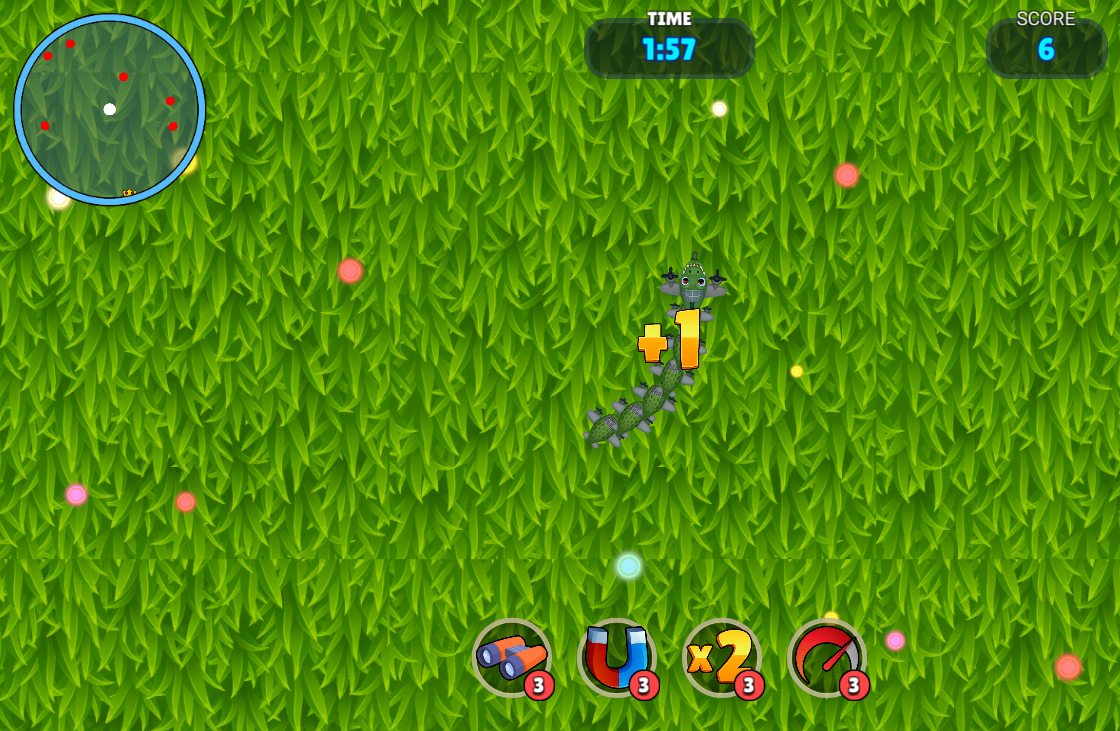
The October 6 check selected Quick Play and observed pointer steering: moving right and then up changed the creature's heading. A collected dot produced a +1 effect and score changed from 5 to 6 while the timer changed from 1:58 to 1:57. Earlier attempts reached NICE TRY result screens at scores 8 and 6. Those attempts ended before the full timer elapsed; neither the leaderboard nor visible rivals establish human multiplayer.
A Brainrot Creature in an Arena
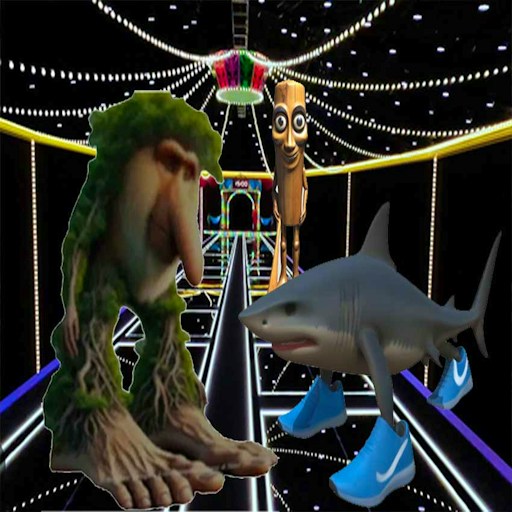
The creature designs and skins use the Italian brainrot cast rather than a plain snake. The absurd character shapes are visual flavor around a familiar collect-and-survive arena objective.
How to Play BrainrotIO
Start the GamePix player and choose the game's large Play button. The mode menu lists Quick Play, Infinity, Boss Hunt, Ghetto and Battle Royale. Quick Play's visible description says 120 seconds. This check did not operate the other modes.
Select Quick Play and wait for the arena rather than judging a menu click immediately. One initial selection left the mode menu visible; a subsequent deliberate selection entered the arena. Look for the Time and Score displays to confirm that the round, rather than only the player, has begun.
Move the desktop pointer toward the direction you want the creature's head to take. In the checked pointer-only comparison, moving right showed a right-facing creature, then moving up showed it facing upward. No mouse button was held during that comparison. A dot pickup displayed +1 and changed score from 5 to 6 while Time changed from 1:58 to 1:57.
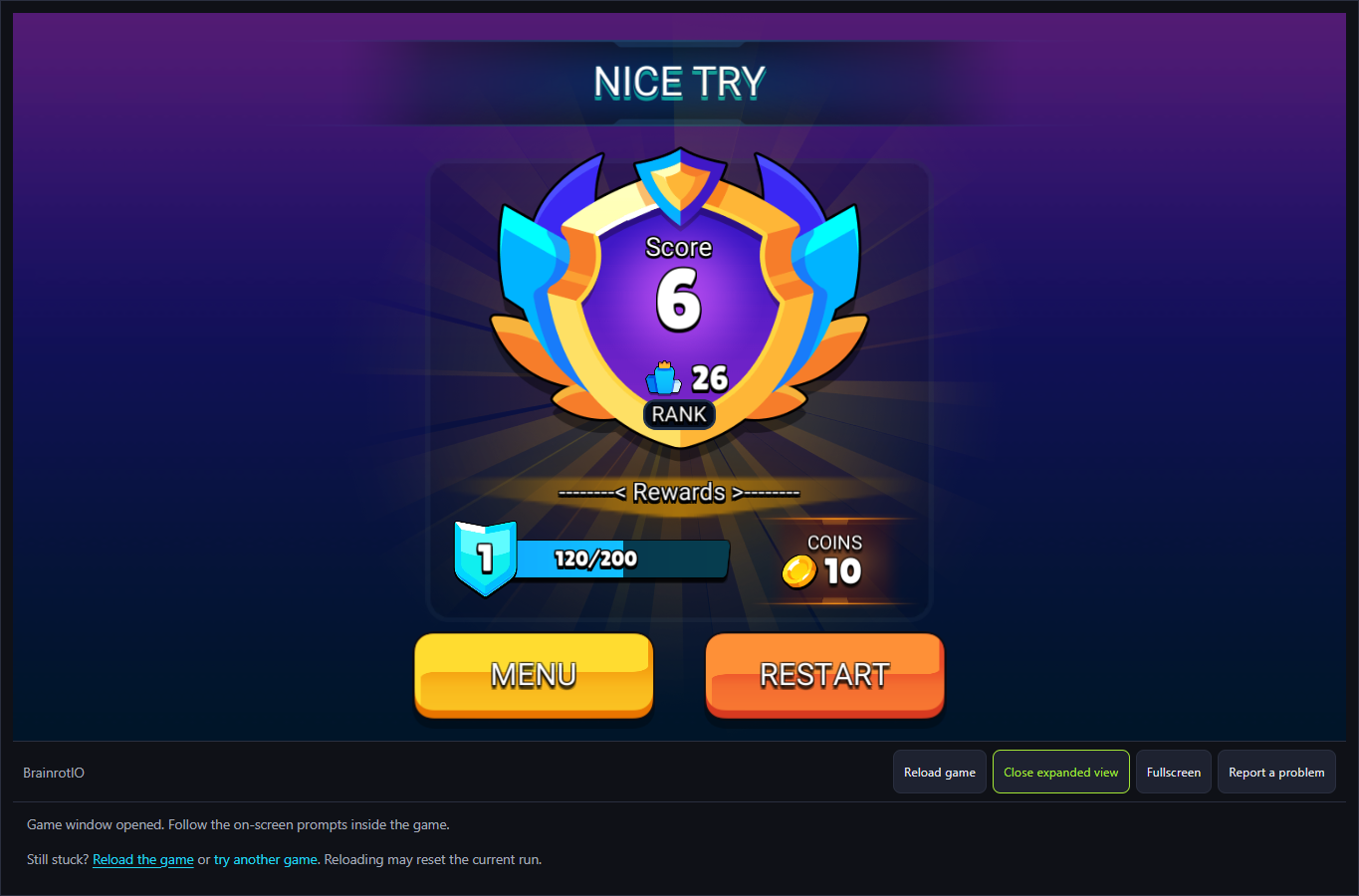
Read the ending separately from the active timer. Checked early attempts showed NICE TRY, score, rank, coins and MENU/RESTART. Restart returned to another active Quick Play attempt. These early endings did not verify a full two-minute survival or a timer-expiration result, and the precise collision that ended them was not isolated.
Controls
- Play, then Quick Play: enter the checked arena mode.
- Desktop pointer movement: moving right and then up changed the creature's heading without holding the mouse button.
- Restart on NICE TRY: begin another checked Quick Play attempt.
- Boost/power-up effects, speaker output and physical-phone controls were not isolated.
Tips & Tricks
- Try Quick Play first so you can see the timer, score and result screen before choosing a less familiar mode.
- Keep your attention on the creature's head and the nearest dot. The long tail and moving background can make a collision hard to anticipate.
- Treat a low first score as orientation data. The RESTART control makes another attempt available without returning to this site's catalog.
Choose a mode with a clear time frame
Quick Play describes a 120-second competition and shows a countdown when the arena opens. That supports a clear entry and result workflow, not a verified full-timer survival: our recorded attempts ended early. The other visible mode labels do not establish that their rules or outcomes were tested.
If the mode menu does not react to one selection, wait for the button to settle and try the clearly labeled Quick Play button. In the recorded test, that path entered an arena with a live timer and score. The preview page's own Start control only loads the provider; the game's Play and mode choices are separate steps.
Read the result, not just the leaderboard
The arena shows colored dots and a ranking list, but neither the names nor the visible creatures establish human opponents. The historical September 27 attempt ended at NICE TRY, score 7. The October 6 attempts separately showed scores 8 and 6 with Menu/Restart. These are dated result observations rather than a verified online-player count or a guaranteed reward formula.
A short attempt can end from a collision or another rule before the full timer is spent. The test did not isolate the precise cause. Use the next run to change one movement choice at a time. That makes the score comparison more useful than simply repeating the same path.
Sound and device expectations
A visible speaker icon sits on the first menu, which gives you a place to look if you want to change the game's sound setting. We did not independently listen to the output, so this page does not promise a silent start. Third-party loading screens or ads can also have controls separate from the game.
GamePix labels BrainrotIO desktop and mobile friendly, but the recorded result came from desktop Chrome. A 390-pixel layout check of this site's page confirms the catalog and player container fit on a narrow screen; it does not establish responsive touch steering inside the official game.
Direction, pickup and timer in one comparison
The pointer-only check first showed a right-facing creature with Time 1:58 and Score 5. After moving the pointer upward, the head faced up, a +1 effect appeared and Score read 6 while Time read 1:57. This is actual input and collection feedback, without assuming how every colored dot or power-up is valued.
An early result is not timer completion
One completed attempt displayed NICE TRY with Score 6, rank 26 and Coins 10. Restart returned to a new attempt. An early result establishes the round's ending and retry path, but not surviving 120 seconds or proving the identities behind the leaderboard entries.
Why Play BrainrotIO Here
Choose BrainrotIO when you want a compact scored round with immediate feedback. It is different from a stage-based runner because the arena shows a live leaderboard and lets you restart after a result.